Features
Everything in the box
Sixteen things one guest list does for you, in the order an event happens.
1Before
Get the invite out
Everything a guest sees before they say yes: the email, the page, the questions, in their language and your colours.
Invitations and reminders
Branded emails, automatic reminders and a save-the-date, sent from your own address if you like.
Write the invitation once. Reminders go to the people who have not answered, on the day you pick, from your domain if you connect it.
See how it runsRSVP pages
A public page per event. Guests confirm, decline, add a plus-one and answer your questions.
Guests need no account and no app. One tap on the invitation, one page, and their answer lands on your list.
See how it runsCustom questions
Dietary wishes, table preference, T-shirt size, a question that only shows when another is answered.
Thirteen field types, required or optional, with answers next to the guest who gave them. Export the lot for the caterer.
See how it runsSeven languages
Your RSVP page and emails in English, Dutch, German, French, Spanish, Italian or Portuguese.
Set the event language once. Pages, emails and QR tickets follow it, and guests can switch on their own page.
Your branding
Your logo, colours and sender address. Hide ours on paid plans, white-label on Enterprise.
Upload a flyer and the page takes its colours. Emails carry your name as sender once the domain is connected.
RSVP templates
Nine designs, from classic wedding to clean corporate. Pick one, drop in your flyer, done.
Every template works on a phone, shows your flyer and your wording, and keeps the reply buttons where thumbs expect them.
2Filling the room
Decide who gets in
Limits, approvals, tickets and the people who bring guests for you.
Paid tickets and gift funds
Sell tickets or collect a gift contribution with Stripe. Money goes straight to your account.
Ticket types with their own price and capacity, early bird that closes itself, or a gift fund guests chip into when they RSVP.
See how it runsPromoter tracking
Each promoter gets a link. You see who brought whom and what commission they earned.
Commission per sale or per check-in, so promoters are paid for the guests who actually showed up.
See how it runsManual approval
Registrations wait for you. Only approved guests get a QR ticket.
Approve one by one or in bulk from the overview. Rejected requests get a polite message in their language.
Capacity and waitlist
Set a limit. When it is full, new sign-ups queue and move up automatically when someone cancels.
The page closes itself when the room is full and reopens for the next person on the list the moment a seat frees up.
Artist allocations
Give each artist or speaker their own guest allowance, with its own price if you like.
Every artist gets a number of names and their own link. You see per artist how many came through the door.
3The night itself
Run the door
A scanner on every phone, a list that survives a dead connection, and a team that can only do what you let them.
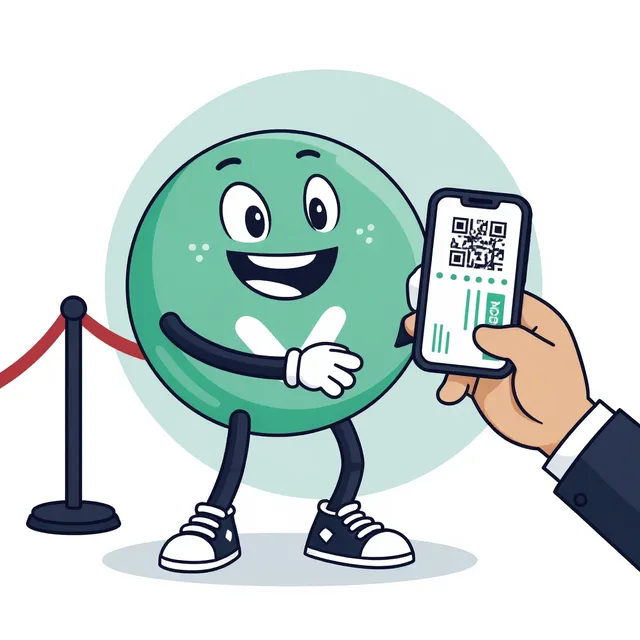
QR check-in that works offline
Scan tickets with any phone. The scanner keeps a local copy of the list, so arrivals are never lost when the connection drops, and syncs the moment it is back.
Open the scanner once while online and it keeps working in a basement or a field. Two doors see the same list, so nobody gets in twice.
See how it runsTeam roles
Co-organisers see everything, coordinators manage guests, door staff can only check in.
Invite your team by email. Door staff get a link that opens the scanner for one event and nothing else.
Mobile check-in
No hardware. The scanner is a web page that works on every phone your team already has.
Nothing to install from an app store. Door staff open a link, add it to the home screen and scan with the camera.
See how it runs4Before and after
Keep the overview
One count everyone trusts, the data in and out, and next year set up in a minute.
Live overview
Who is invited, who is coming, who is inside. Answers per question, exports to CSV.
The same count for you, your co-organiser and the door, updated the moment anything changes.
CSV import and export
Bring a spreadsheet in. Take the list, the answers and the check-ins out.
Map the columns once; names, emails, tags and plus-ones come along. Exports include every answer and every check-in time.
Event management
Create, duplicate and archive events. Public registration pages or invitation only.
Duplicate last year's event with its questions, templates and emails. Archive what is done and keep the dashboard clean.
Your next event, sorted.
Create an event, add ten guests and send the first invite. You will know within five minutes if this is for you.